2-Minute Posture Checklist: Stand Tall with AI Cues

What “good posture” looks like in daily life
“Good posture” isn’t a rigid pose you hold all day—it’s a repeatable way to stack your body so muscles aren’t constantly fighting gravity. The goal is a position that feels stable, breathable, and easy to return to after real life (emails, errands, workouts) pulls you out of alignment.
- Neutral head position: ears roughly over shoulders with a gentle chin tuck (not forced).
- Ribcage stacked over pelvis: avoid flaring ribs up or hard-tucking the tailbone under.
- Shoulders relaxed: think “wide collarbones,” not pinched shoulder blades.
- Feet grounded: even pressure across heel, big toe, and little toe when standing.
- Breath as a guide: easier nasal breathing often signals less bracing and better stacking.
When posture feels “right,” it typically looks calmer than expected: jaw unclenched, ribs not thrust forward, and shoulders not creeping toward your ears. If discomfort persists, it may help to review basic guidance from sources like Mayo Clinic’s posture overview.
Daily alignment checklist (2 minutes, 3 times a day)
A short checklist done consistently beats a long routine that never happens. Think of each check-in as a “reset,” not a workout. Stop before fatigue—quality beats intensity.
- Morning reset (standing): grow tall through the crown, soften knees, gently lengthen the back of the neck.
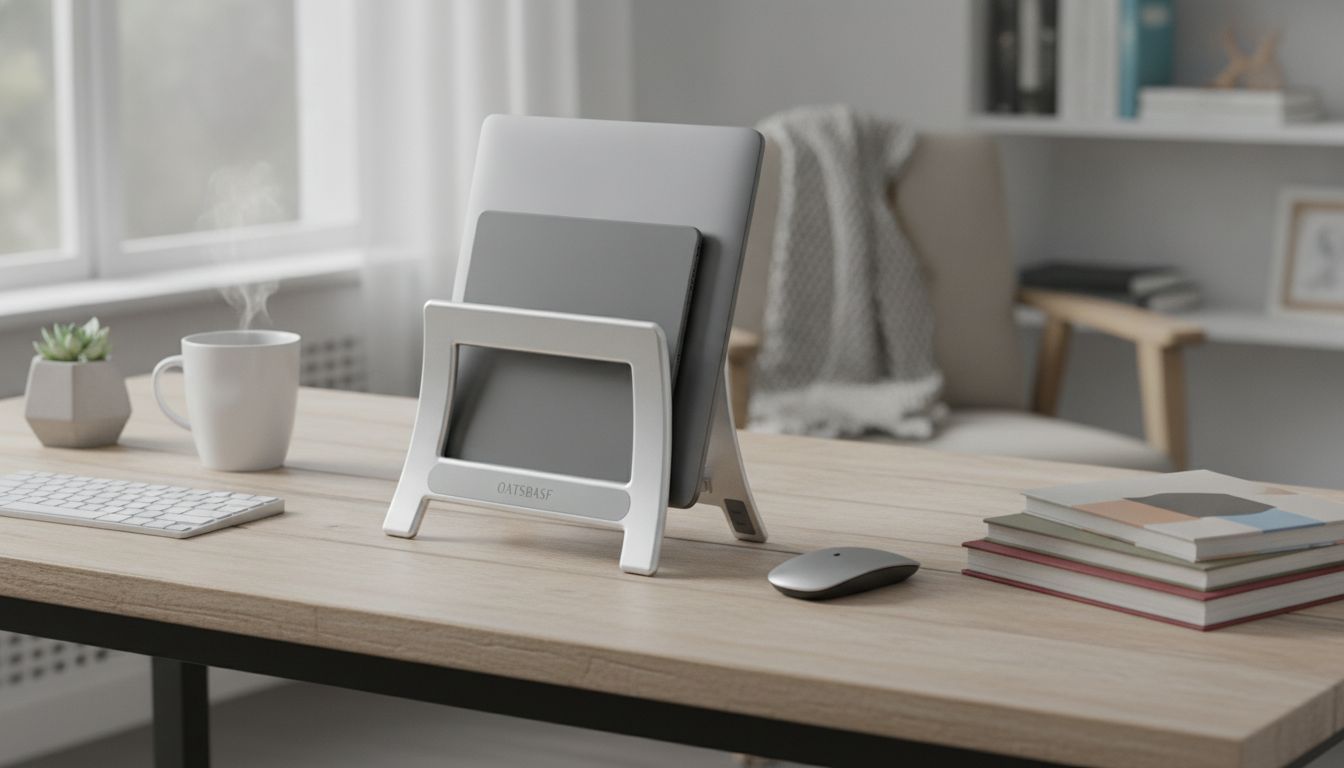
- Desk check: screen at eye level, elbows near 90°, wrists neutral, feet supported.
- Midday release: 5 slow breaths, relax jaw and tongue, drop shoulders away from ears.
- Afternoon mobility: 30–60 seconds each of chest opener, upper-back extension, hip flexor stretch.
- Evening unwind: light neck range-of-motion, hamstring flossing, and a short walk if possible.
- Consistency rule: stop each check before fatigue—quality beats intensity.
Quick posture checks by situation
| Situation | Fast cue | Common drift | Small fix |
|---|---|---|---|
| Sitting at a desk | Ribs over pelvis | Slumped low back | Sit on sit-bones; bring screen closer |
| Standing in line | Soft knees, tall crown | Locked knees, swayback | Shift weight evenly; gentle core brace |
| Phone use | Phone to eye level | Forward head | Support elbows; raise phone; micro-break every 2–3 minutes |
| Walking | Arms swing, chin level | Rounded shoulders | Think “wide chest”; breathe quietly through nose |
| Strength training | Stacked torso | Rib flare | Exhale on effort; keep ribs down without crunching |
AI ideas that support posture habits (without overcomplicating it)
AI works best as a lightweight coach: short reminders, simple tracking, and fast menu-style options you can plug into real schedules. No camera required—many people do better with body cues and quick self-check prompts.
- Reminder scripts: set timed prompts like “Jaw unclench + shoulders down + feet grounded.”
- Habit tracking: log 3 daily check-ins; summaries can reveal streaks and the most-missed time window.
- Personalized micro-break menu: rotate 30–90 second drills depending on meetings, commute time, or training days.
- Calendar-friendly routines: generate “between calls” and “end of day” sequences that fit 2–5 minutes.
- Language cues that work: test visual cues (“zip up tall”), tactile cues (“feel heels + big toe”), or breath-based cues (“long exhale, ribs soften”).
- Accessibility options: create seated-only or low-mobility versions of the checklist so you can stay consistent.
Common posture pain points and the simplest adjustments
Many posture complaints aren’t about being “weak”—they’re often about spending long hours in one position. Simple environment tweaks plus frequent micro-resets can reduce irritation and help you feel more in control. For general information on back-related discomfort, see NIH MedlinePlus: Back Pain and Cleveland Clinic: Poor Posture.
- Neck tension: bring screens closer and raise them; add gentle chin tucks (no forcing).
- Upper-back rounding: take short thoracic extension breaks (foam roller or chair-back) and do a doorway chest opener.
- Low-back stiffness: avoid extreme tucking; aim for stacked ribs/pelvis and frequent standing resets.
- Hip tightness from sitting: sprinkle hip flexor stretches and glute activation (bridges or sit-to-stand sets).
- Wrist/shoulder strain at the desk: bring keyboard/mouse closer; support elbows when possible to reduce reaching.
A 7-day mini plan for building the habit
This week-long ramp keeps the routine realistic. The win is not perfection—it’s faster self-correction and fewer “end of day” aches from being stuck in one shape for too long.
- Days 1–2: do only the morning reset and desk check. Keep it almost too easy.
- Days 3–4: add the midday release (5 breaths + shoulder drop) and one mobility drill.
- Days 5–6: add the evening unwind; keep the total routine under 6 minutes.
- Day 7: note what caused the most slouch moments (meetings, phone, driving) and set targeted reminders.
- Progress marker: fewer “catching yourself” moments—and faster self-correction when you do notice.
When to get professional support
Digital checklist download: what’s included and how to use it
If you do best with a clear, repeatable routine, a ready-made checklist reduces guesswork. The Stand Tall with AI: Posture Improvement Checklist is designed to make daily alignment practice quick and consistent.
To make posture changes stick, your environment matters too. A tidier closet and simpler wardrobe can reduce rushed mornings and make it easier to choose comfortable, movement-friendly options—see the Luxe Hacks for Small Closets Checklist for a quick organization reset that supports calmer daily routines.
FAQ
How fast can posture improve with a daily checklist?
Awareness can improve in a few days, while comfort and endurance often take a few weeks. Frequent micro-adjustments usually matter more than long sessions done occasionally.
Do posture correctors replace exercises or daily check-ins?
They can provide a temporary cue, but they don’t replace strength, mobility, and ergonomic changes. Overreliance may increase stiffness or reduce your ability to self-correct.
What are the best desk changes for immediate relief?
Raise and bring the screen closer, keep elbows near 90°, and move the keyboard/mouse closer to reduce reaching. Add short micro-breaks every 30–60 minutes to reset ribs-over-pelvis and relax shoulders.










Leave a comment