Wired Hall Effect Gaming Keyboard: Ultra-Low Latency Guide
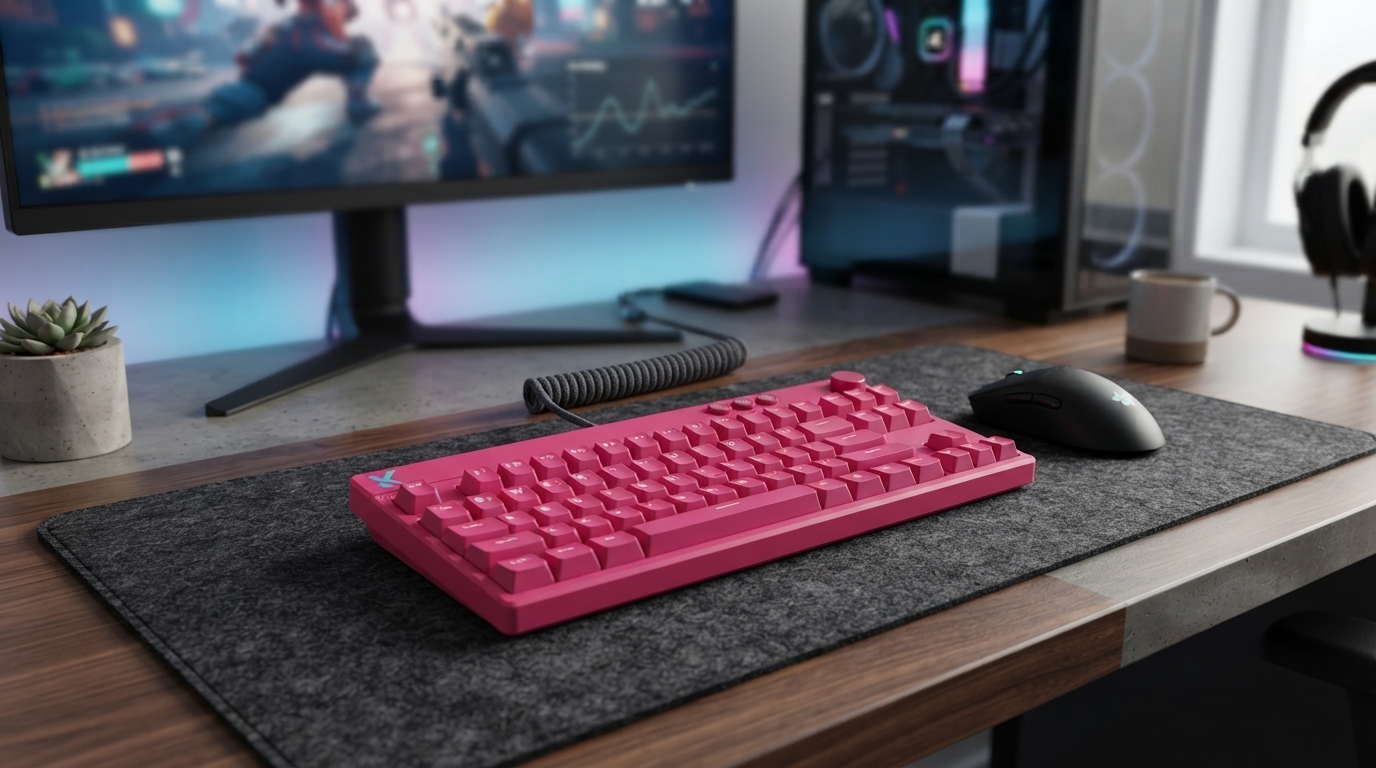
Magnetic Switch Wired Gaming Keyboard with Ultra-Low Latency
A wired gaming keyboard built around magnetic (Hall effect) switches is designed for speed, consistency, and fine control. Because actuation is measured by magnetic position (not a traditional metal contact), these boards can deliver repeatable inputs and enable features like adjustable actuation and rapid re-trigger behavior. Pair that with a stable wired connection, and the result is a keyboard that can feel noticeably more “immediate” in competitive play and tight-timing genres.
What makes a magnetic-switch keyboard different
Traditional mechanical switches register a press when two metal contacts meet. Magnetic (Hall effect) switches work differently: a sensor reads the position of a magnet as the key moves, so the board can detect actuation based on travel distance rather than a physical contact point.
- Uses Hall effect sensing to detect key travel via magnet position rather than relying on a physical electrical contact.
- Consistent actuation over time since there is no metal-leaf contact that can wear or oxidize in the same way.
- Enables advanced behaviors like adjustable actuation points and rapid-trigger style re-triggering (implementation varies by model/software).
- Often favored for competitive play where repeatability and fast key response are priorities.
That contactless measurement is also why many magnetic boards feel “tunable.” You’re not stuck with one fixed actuation point—software can often let you decide when a press registers, and how quickly it can reset.
Ultra-low latency: what it affects during gaming
Keyboard latency is the delay between a key press and the signal reaching your PC/game. Ultra-low latency doesn’t turn missed shots into headshots on its own, but it can make inputs feel sharper—especially when you’re pressing and releasing keys rapidly.
- Reduces the delay between a key press and the signal arriving at the PC, helping inputs feel more immediate.
- Most noticeable in high-APM scenarios: strafing, counter-strafing, tap firing, quick ability combos, and rhythm timing windows.
- Wired connection avoids common wireless variables (radio interference, power saving behavior, battery state).
- Look for stable performance across different PCs and USB ports; consistency is as important as peak numbers.
Where lower input delay feels most noticeable
| Scenario | What lower latency improves | Example keys |
|---|---|---|
| Tactical shooters | Faster stop-and-shoot timing and cleaner movement corrections | A/D, Shift, Ctrl |
| Battle royale & arena FPS | Quicker swaps and ability chaining under pressure | 1–5, Q/E, F |
| Rhythm games | Tighter hit timing and fewer late inputs | Any mapped lanes |
| MOBA/MMO | More responsive cancels and rapid sequences | Q/W/E/R, modifiers |
For deeper background on how keyboards communicate with computers, the USB Implementers Forum provides a helpful overview of USB HID (Human Interface Device). For practical measurement and comparison, independent testing methodologies like RTINGS keyboard latency tests can clarify what “fast” looks like across different boards.
Key features to prioritize on magnetic switches
Two magnetic-switch keyboards can feel completely different depending on their firmware/software and build. These are the features that tend to matter most when the goal is reliable, repeatable performance.
- Adjustable actuation: set how far a key must travel to register (shallower for gaming, deeper for typing control).
- Rapid re-trigger behavior: quicker reset/re-press without fully returning to the top (useful for strafing and repeated taps).
- Per-key tuning vs. global tuning: per-key settings help tailor movement keys differently from typing keys.
- Stable key wobble control: switch housing, plate, and stabilizers determine how precise the board feels at speed.
If you rest fingers on movement keys, extremely shallow actuation can cause accidental inputs. The best experience usually comes from balancing speed with a setting that matches your hand pressure and posture.
Wired setup, polling, and USB considerations
A wired magnetic keyboard is often chosen specifically to remove wireless variables. To keep performance consistent, the physical setup matters more than many players expect.
- Prefer a direct connection to a rear motherboard USB port for the most stable power and signal.
- Avoid unpowered hubs if the keyboard also drives bright RGB or additional features.
- Check for onboard profiles so core settings work even when switching PCs.
- Keep firmware updated if the manufacturer provides updates for latency, stability, or feature improvements.
Comfort and build details that matter during long sessions
Getting the most out of adjustable actuation (practical presets)
Is this the right keyboard for your play style
Quick checklist before buying
In-stock picks on Lovisio
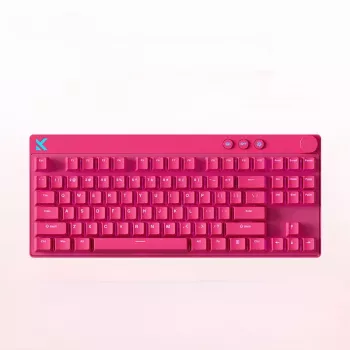
- Magnetic Switch Wired Gaming Keyboard with Ultra-Low Latency ($145.99) — magnetic actuation with a wired connection aimed at fast, repeatable inputs.
- 20Kpa Cordless Stick Vacuum Cleaner for Hard Floor, Carpet & Pet Hair, Rose Red ($162.65) — a practical way to keep desk and floor areas clean so dust doesn’t build up around your setup.
- Luxe Hacks for Small Closets Checklist | Digital Download Closet Organization Guide ($4.99) — organization ideas that can help reclaim space for a cleaner battlestation area.
FAQ
Do magnetic (Hall effect) switches wear out like standard mechanical switches?
They use contactless sensing, so they don’t rely on metal contacts touching to register a press. Parts like springs, stabilizers, and keycaps can still wear over time, and long-term durability still depends on build quality and keeping debris/dust under control.
Will ultra-low latency make a noticeable difference in games?
It’s most noticeable when you’re repeating inputs quickly or playing with tight timing windows (strafing, tap firing, rhythm hits). It pairs best with stable frame rates and a high refresh-rate display, and consistent low delay often matters more than a single “best-case” number.
How should actuation settings be tuned for shooters?
Start with a shallower actuation for A/D and Space, use a moderate setting for abilities and utility keys, and keep a deeper setting for typing-heavy keys to reduce accidental presses. Then iterate gradually until you can rest your fingers naturally without unwanted movement.









Leave a comment