AI for Event Recap Videos: Faster Edits, Better Highlights
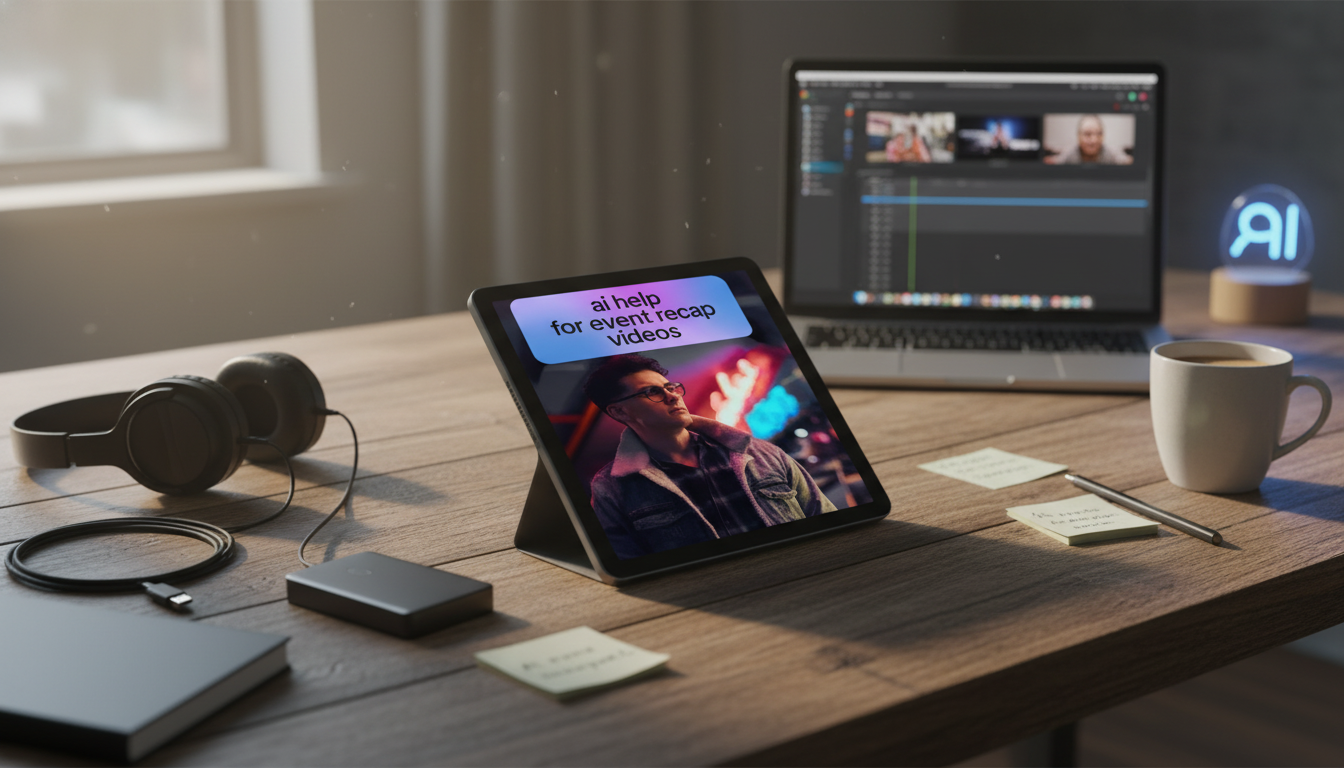
What AI Can (and Can’t) Do for Recap Videos
Event recap videos work when they feel curated, not random: the story is clear, the best moments land quickly, audio is intelligible, and the pacing matches the room. AI helps most when it handles the tedious parts of post-production—sorting, labeling, searching, and generating a usable first pass—while creative direction stays human.
Used well, AI can speed up prep work with auto-tagging, scene detection, transcript generation, and (where permitted) face recognition. It can also suggest highlight moments using signals like applause spikes, laughter, crowd-noise peaks, motion intensity, and repeated speaker names in transcripts. Many editors use those suggestions to build a first-pass edit—rough selects and an initial timeline—then refine manually. AI is also strong at repetitive finishing tasks like captions, loudness normalization suggestions, background noise reduction, and reframing for vertical formats.
Plan around limitations: AI can miss why a quiet moment matters, misread sarcasm or overlapping speech, and over-prioritize “loud” moments that don’t support the narrative. The best results come from treating AI outputs as a shortlist, not a verdict.
Common AI Assistance Tasks in an Event Recap Workflow
| Task | Best Use | Human Checkpoint | Typical Time Saved |
|---|---|---|---|
| Transcription + speaker labeling | Finding quotes, building a narrative spine | Correct names, key terms, and timestamps | 30–60 min per hour of footage |
| Scene/shot detection | Breaking long clips into usable segments | Remove false splits; merge continuous action | 15–30 min per hour of footage |
| Highlight suggestions | Surfacing candidate moments quickly | Validate context; add missing story beats | 1–3 hours per project |
| Auto-captions | Accessibility and silent viewing on social | Fix brand terms; adjust line breaks and timing | 30–90 min per deliverable |
| Auto-reframe (16:9 to 9:16) | Repurposing for shorts/reels | Protect logos, faces, and key action | 20–45 min per deliverable |
Before the Event: Capture Choices That Make AI Work Better
AI can only work with what it can “read,” and audio is the biggest multiplier. Record clean dialogue whenever possible (lav mics, board feed, or a dedicated recorder) so transcripts and quote-finding are dependable. If the audio is muddy, AI captions will drift, and highlight detection may lock onto the wrong cues.
Consistency matters for visuals, too. Stable exposure and matching camera settings improve scene detection and reduce color drift, which shortens finishing time later. Capture 10–20 seconds of room tone at each location; it’s a small step that makes noise reduction and audio patching far smoother.
Finally, plan story anchors. Two to four short interview prompts—why someone attended, a key takeaway, a favorite moment—give you a narrative backbone that AI can help you locate quickly in transcripts. And when you see sponsor signage or important slides, hold the frame for a few clean seconds; it becomes useful for both indexing and cutaways.
Footage Ingest and Organization: Fast Sorting Without Losing Control
A predictable organization system lets AI features (and humans) move faster. Start with a folder structure like: Event_Date > CamA/CamB/Phones > Audio > Graphics > Exports. Then rename clips or batch-label by camera and time block; even simple naming makes transcript search and “find that moment” requests much easier.
Run transcription on key sources first—keynotes, interviews, panel audio—and attach transcripts to bins so you can search by phrase. Tag footage into practical buckets such as Arrival/Registration, Keynotes, Breakouts, Networking, Sponsors, Venue B-roll, and Afterparty. Create a “must-use” shortlist early (hero moments) so the edit doesn’t drift into a random montage of whatever AI surfaced first.
Building the Story: Smarter Highlights That Feel Intentional
Choose a recap format before you start pulling clips: (1) emotional montage, (2) narrative with quotes, or (3) schedule-driven summary. AI can assist inside any of these formats, but it can’t pick the format for you.
Rough Cut to Fine Cut: A Practical AI-Assisted Editing Flow
High-Impact Deliverables: One Edit, Multiple Versions
Generate captions for each platform style: burned-in for shorts and optional sidecar files for long-form. For platform-specific guidance, refer to YouTube’s subtitles and captions help page. For accessibility best practices, the W3C WAI captions resource and Adobe’s captions overview are practical references.
Quality, Permissions, and Brand Safety Checks
A Ready-to-Use Workflow Guide
To make this repeatable across events, keep a checklist-based workflow and a consistent set of highlight rules (story anchors, energy peaks, proof points). If you want a plug-and-play structure for selects, rough cuts, captions, and deliverable versions, see AI Help for Event Recap Videos – Practical Guide for Faster Editing, Smarter Highlights & High-Impact Event Videos.
For teams that benefit from a simple “don’t-forget” list you can reuse and share internally, Luxe Hacks for Small Closets Checklist | Digital Download Closet Organization Guide, Minimalist Wardrobe Decluttering Tips, Small Space Storage Solutions can be repurposed as a lightweight checklist format—helpful if your production process needs quick, consistent steps across multiple editors.
FAQ
How long should an event recap video be?
A 30–60 second teaser works well for social, while a 2–3 minute main recap fits most brands and audiences. Go longer mainly for conferences or multi-day events where the distribution channel supports longer viewing.
What’s the fastest way to find the best moments in hours of footage?
Combine AI transcription and search with audio peak markers, then curate a short “hero moments” list. A simple process is: transcribe key audio, tag footage into buckets, and build a selects reel before assembling the timeline.
Do AI-generated captions need manual review?
Yes—names, acronyms, and brand terms are common errors, and timing/line breaks affect readability. A fast routine is to spot-check proper nouns, scan for technical terms, and watch through once to confirm sync and pacing.







Leave a comment